
The useful answer first.
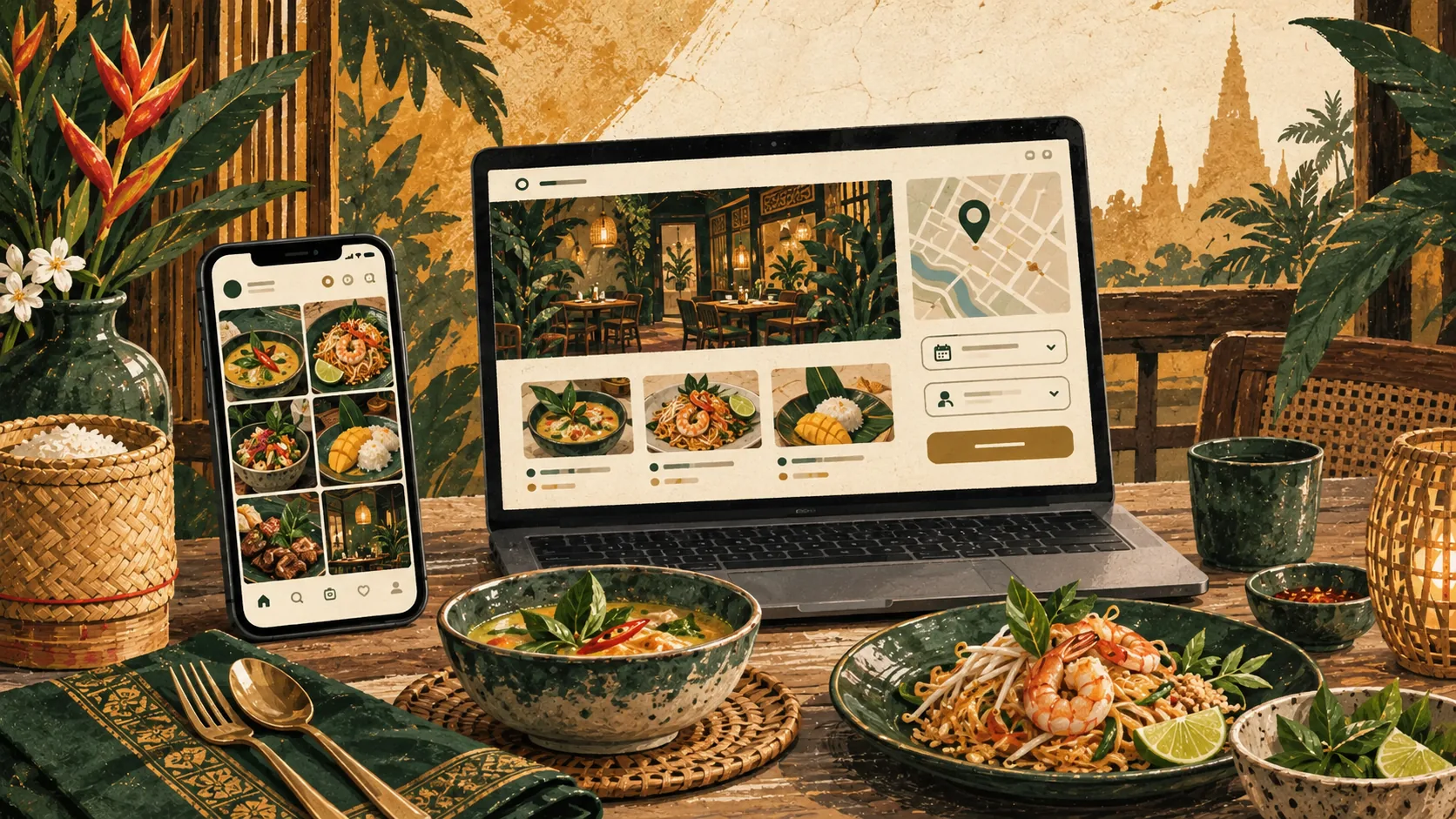
Instagram can introduce people to your food and atmosphere. A small website gives them a direct place to check the current menu, opening hours, location, and booking options. You may only need one useful page, especially if reservations already happen elsewhere.
What affects the answer?
Give each channel a clear job
| Option / type | What to expect |
|---|---|
| Recent dishes, the atmosphere, events, and conversations with followers. | |
| Website | A stable address for the menu, visiting details, booking links, and fuller answers. |
| Google Business Profile | Accurate business details on Search and Maps, with a link to your website. |
| Reservation service | Availability and booking confirmation when your operation needs them. |
Someone sends a friend your restaurant
A guest spots a dish on Instagram and shares it with a friend who wants to know the prices, vegetarian options, and parking situation. A direct menu link answers those questions without asking either person to search through posts. The booking action can still lead to the same system your staff already manage.
Use the questions in your inbox
Read a week of enquiries and note the repeated questions. If people keep asking for the menu, opening times, or how to reserve, put those answers near the top of the site. Your inbox is a more useful starting point than a list of fashionable restaurant website features.
Be specific. Explain whether reservations are required, whether walk-ins are welcome, and what guests should do for a large group. Publish dietary information you can keep accurate, and offer a contact route for questions the menu cannot answer.
Give the menu its own reliable link
A readable web menu lets someone check dishes and prices on a phone without zooming into an image. Group items by course or type, make important notes easy to read, and include a date or seasonal note when that helps explain availability.
You can offer a downloadable menu too. Keep one maintained source of truth so an old PDF does not disagree with the page. Assign the update to someone on the team, and include the website whenever staff change a price or stop serving a dish.
Keep the route to a table short
If you already have a reservation platform, link directly to the correct booking page. If bookings are handled by phone or chat, say when staff answer and when a reservation becomes confirmed. A sent message should not be mistaken for an accepted booking.
Test the route on a phone outside your own accounts. Check the map pin, international phone format, and whether the chat link opens the right conversation. An attractive page that sends guests to an old number creates avoidable work at the busiest time of day.
Keep both channels manageable
Start with a small selection of strong, accurate photographs. Let Instagram carry frequent updates while the website holds the details that should stay easy to find. An embedded social feed is optional; it adds another service to load and maintain.
Review the site when opening hours, menus, or booking arrangements change. Ask new guests how they found you and watch which links they use. Expand the website when there is a clear need, such as private dining enquiries, catering, or a second location.
- 01Discover
A post or recommendation
- 02Check the details
Menu, hours, location
- 03Plan the visit
Book, call, or get directions
What should be included?
- Current menu and prices
- Hours including regular closing days
- Accurate map and entrance details
- A clear reservation policy
- A booking or contact link
- A named person for updates
When a simpler option may be enough
A single well-maintained page can be enough. Put your effort into the menu, photographs, and visiting information before commissioning a large site with sections nobody has time to update.
Questions worth asking
- 01What do guests repeatedly ask in messages?
- 02Can someone read the menu without an account?
- 03Who checks holiday hours across our channels?
- 04Does a booking enquiry clearly differ from a confirmed table?
How we approach it
For restaurant sites, we make the menu and visiting details easy to reach on mobile. The website can connect to your existing reservation process without replacing tools your team already knows.
See selected workShort answers
Should we stop posting on Instagram?
No. If it brings useful enquiries, keep using it. Link people to a current menu or booking page when they need practical information.
Do we need a blog?
Only if you have useful stories and someone to maintain it. Most restaurants should get the menu, hours, and booking journey right first.
Can the website help people find us on Google?
It gives Google pages to discover and guests more information to assess. Keep your Business Profile accurate too; neither step guarantees rankings.