
The useful answer first.
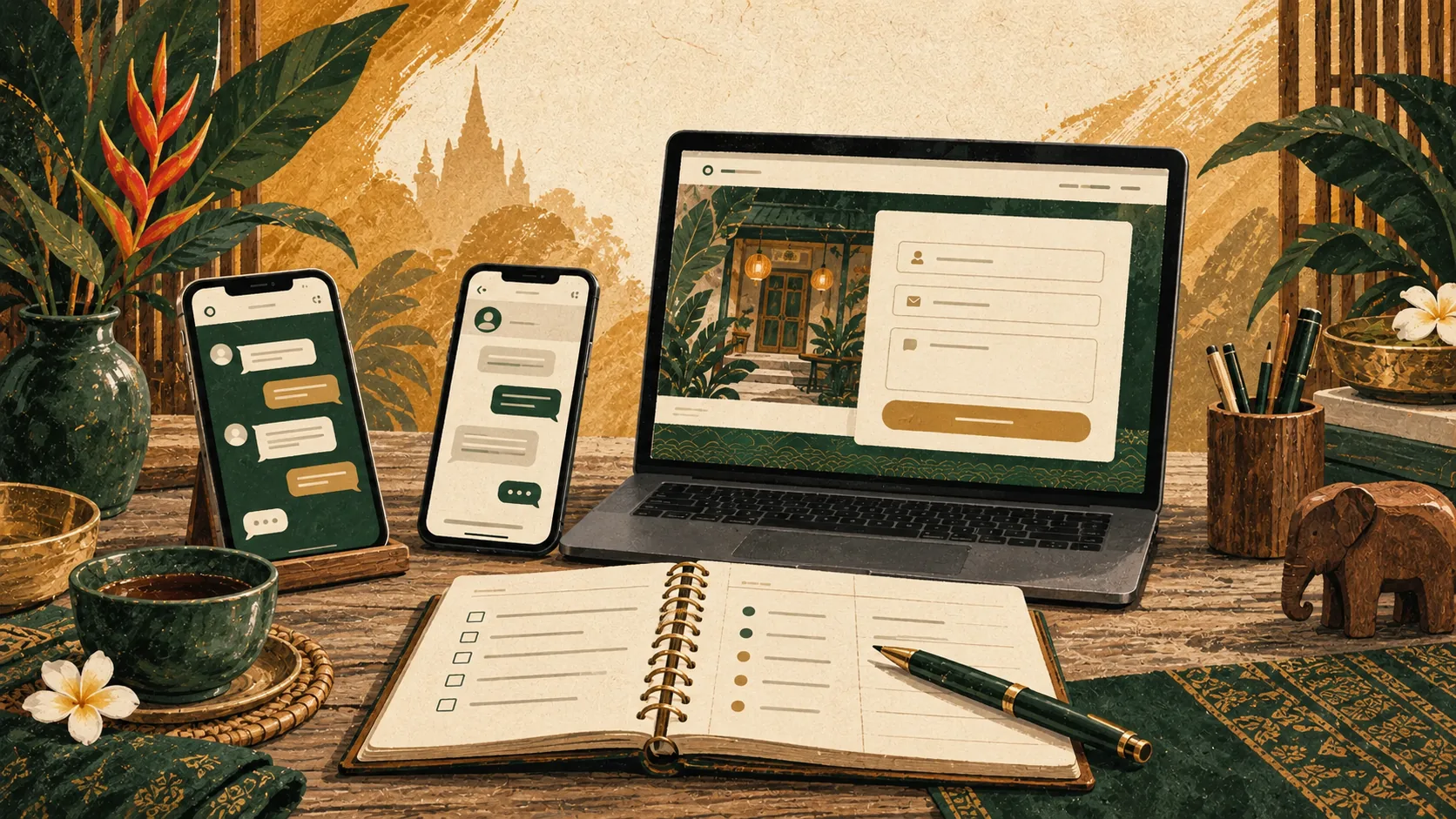
Choose a main contact route based on how your customers prefer to communicate and how your team works. LINE or WhatsApp can suit quick conversations. A short form helps collect a clear enquiry without requiring a particular chat app. Offer a useful alternative without crowding every page with buttons.
What affects the answer?
Match the channel to the conversation
| Channel | Useful for | Plan for |
|---|---|---|
| LINE | Customers who already use LINE and want a back-and-forth conversation. | A managed business account, clear response hours, and a working link. |
| Customers who prefer WhatsApp, including some international visitors. | Correct international number format and a fallback for other visitors. | |
| Contact form | Enquiries needing a few details, or visitors who prefer not to open a chat app. | Reliable delivery, spam protection, and clear success and error states. |
| Phone | Time-sensitive questions during staffed hours. | Someone available to answer and a way to contact you outside those hours. |
A guest asks about an airport transfer
A quick chat may settle a simple question. A quote needs a date, pickup point, destination, and contact details. A short form can gather that information before the conversation starts. Avoid asking for sensitive documents in the initial enquiry when the team only needs enough detail to respond.
Choose one primary action per page
A service page might use ‘Ask about availability’ while a general contact page uses ‘Send an enquiry’. Match the label to what happens next. If the button opens LINE or WhatsApp, say so before the visitor taps it.
Keep a secondary route for people who cannot use that channel. A visible email address or short form is helpful when an app is unavailable. On a phone, several floating chat buttons can cover content or compete with booking controls; one well-placed action is often easier to use.
A form should ask only what the reply needs
For a general enquiry, a name, email address, and message are usually a useful starting point. Add a date or service selector only when it changes how the team responds. Explain required fields and avoid forcing people to provide a phone number when email will do.
Use visible labels, clear errors, and a submitting state. Preserve the message if delivery fails so visitors can retry. After success, tell them what has happened and when they can reasonably expect a reply. Only show success after the server has accepted the enquiry.
Test chat links from a customer’s device
WhatsApp supports links that open a conversation with a specified number. LINE Official Accounts also provide a business chat route. Use the account’s supported link format and test the actual published button rather than assuming a copied profile address is enough.
Try desktop and mobile, with and without the relevant app where practical. Make sure any prefilled text is useful and does not contain private information. Keep an email or form nearby if the app handoff cannot complete.
Plan the reply and the failure case
Decide who checks each inbox and who covers absences. Put realistic response hours on the page. If a request needs a booking confirmation, payment, or a quote, explain that a message alone does not complete it.
For forms, ask the developer about server-side validation, request limits, bot protection, and delivery failures. A hidden honeypot alone is not a complete defence. Keep collected information limited, restrict staff access, and link to a privacy notice that reflects how the enquiry is handled.
- 01Visitor sends
Chat or a short form
- 02Team receives
One accountable inbox
- 03Someone replies
Clear hours and next steps
What should be included?
- One clear primary contact action
- A fallback without the same app
- Visible form labels and useful errors
- A tested delivery destination
- Honest response expectations
- An owner for every inbox
When a simpler option may be enough
A direct chat link and email address may be enough for a small operation. Add a form when it saves customers or staff time, and add automation only when you know which repeated task it should handle.
Questions worth asking
- 01Which channels do our customers already ask for?
- 02Who replies when the usual person is away?
- 03What information is essential for a useful first reply?
- 04How will we notice a broken form or missed enquiry?
How we approach it
We design contact journeys around the team receiving the message. That includes a readable form, sensible protection, clear feedback, and a delivery route someone is responsible for checking.
See selected workShort answers
Should we show all three options?
Only if each is staffed and useful. Make one the primary route and keep alternatives quieter.
Does a chat link need a chatbot?
No. A link can open a conversation for a person to answer. Automated messaging is a separate decision.
Can a form send to a team notification channel?
Yes, if the delivery integration is configured and tested. Keep access controlled and avoid including unnecessary personal information.
Will spam protection stop every unwanted message?
No. Validation, rate limits, and bot checks reduce abuse, but monitoring and a reliable failure path still matter.